Procedure
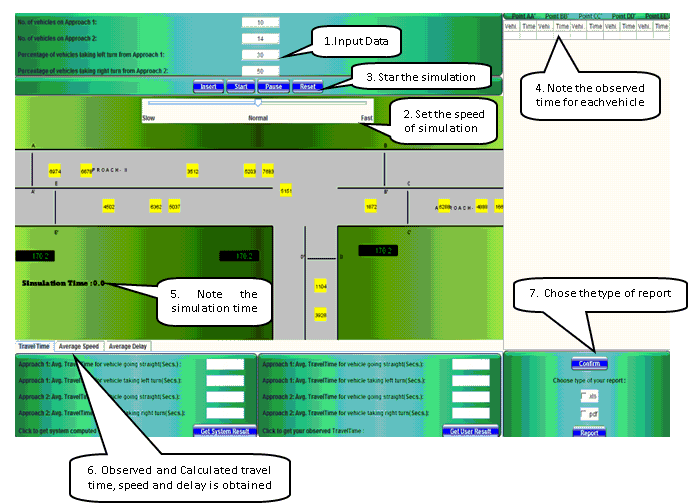
The Image below represents a T intersection where we have to observe the Volume, Speed and Delay of the vehicles and cross check with the calculated value.
Step 1
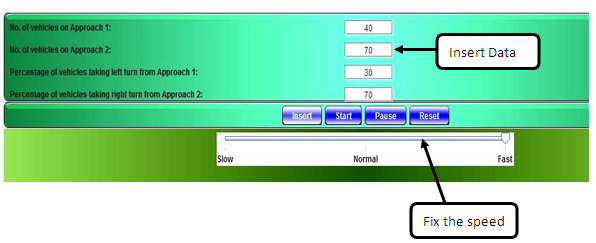
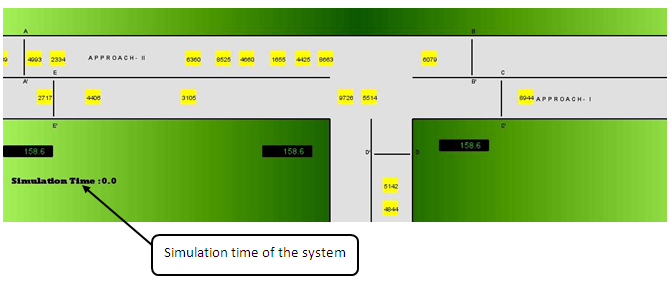
As the vehicles move note down the vehicle id number at each cross section AA', BB', CC', DD', EE' in the section given below
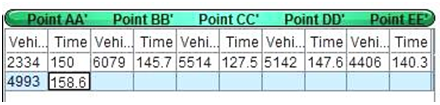
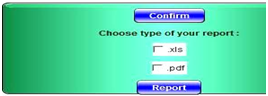
After all the observations are noted click on the confirm option, select the type of report format and then click on the report option.
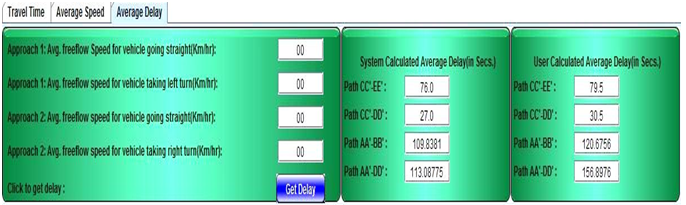
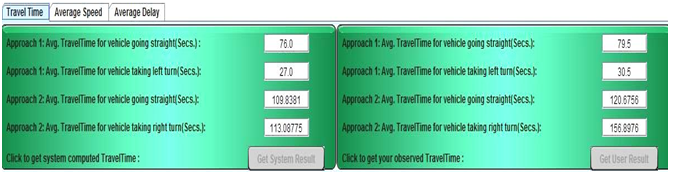
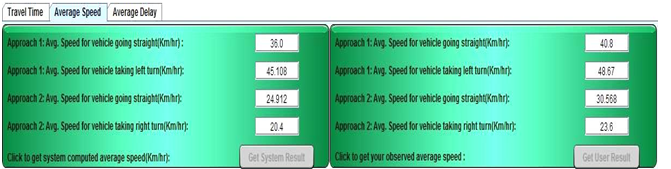
Get calculated and user calculated Travel Time , Average Speed and Average Delay after the simulation is done
Travel Time
Average Speed
Average Delay