
Calibration of Doubly Constrained Gravity ModelTrip Distribution
Procedure
Step 1
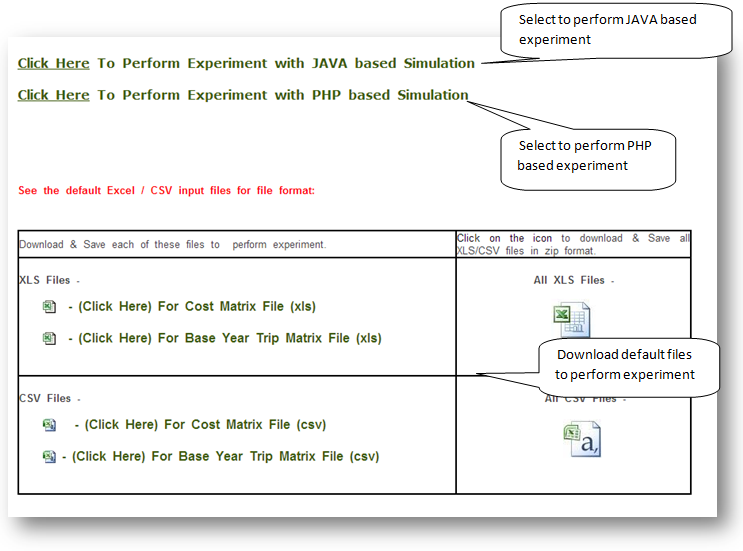
Step 2
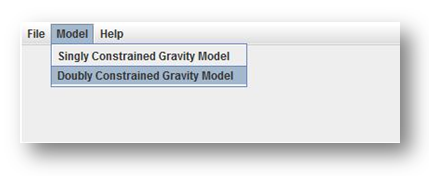
Go to Model in order to perform Calibration of Doubly Constrained Gravity Model. Browse the required input file.
Select the required Frictional Function among the two functions given below
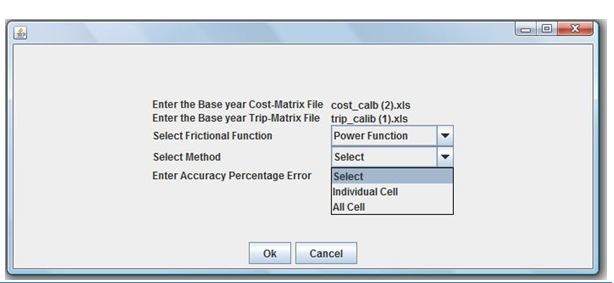
Individual Cell or All cells Model can be performed according to the requirement the select the percentage of accuracy. After given the required data click on 'OK' in order to get the output.
Step 3
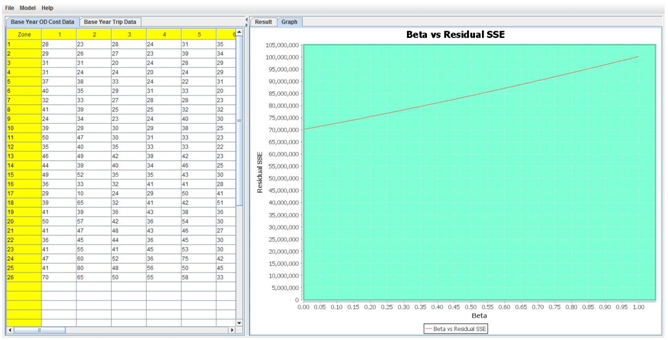
Sample of the output is given below. Save the output by clicking on ‘File‘. The graph can also be saved in the form of image(.png).
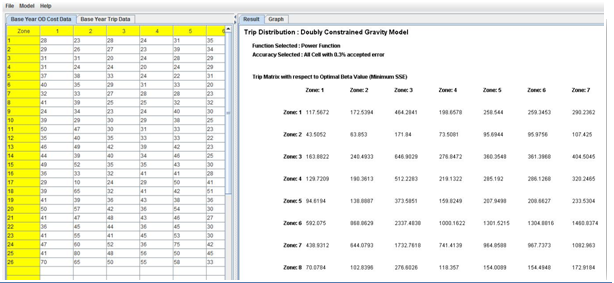
Graphical representation of the output while finding optimal Beta value can also be viewed. Sample image is given below.
Demo Video to run PHP Based Experiment
Demo Video to run Java Based Experiment